
Before exporting your JATS XML file, make sure you have selected the correct export option that matches your needs.
Export JATS XML for PubMed and EBSCO Compliance #
1. Since PubMed requires you to include a PDF along with JATS XML in a single zip file, you must first upload your PDF.
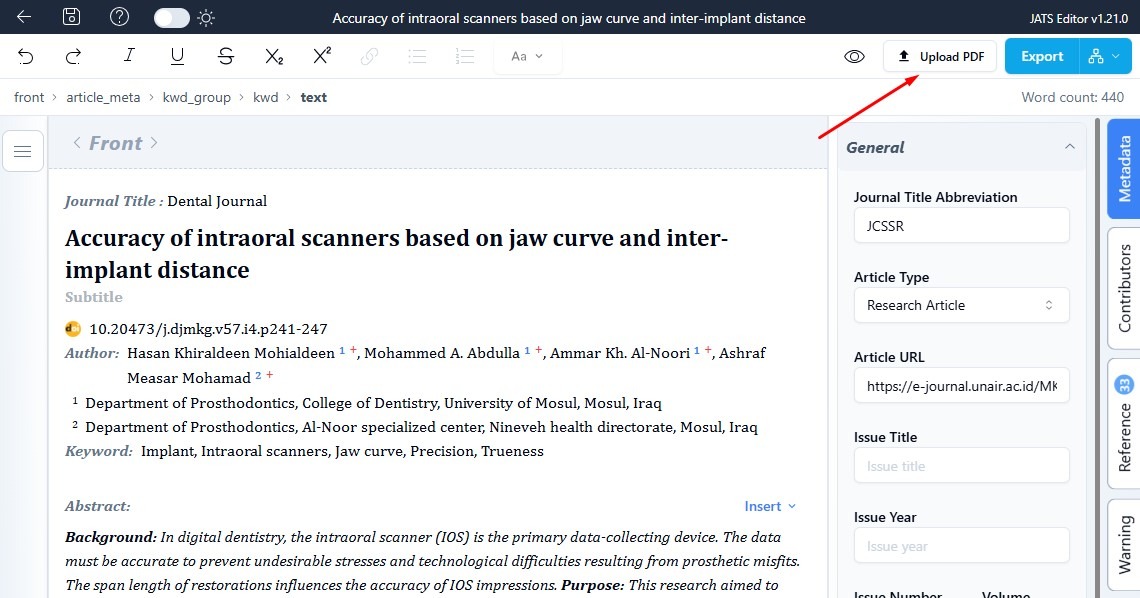
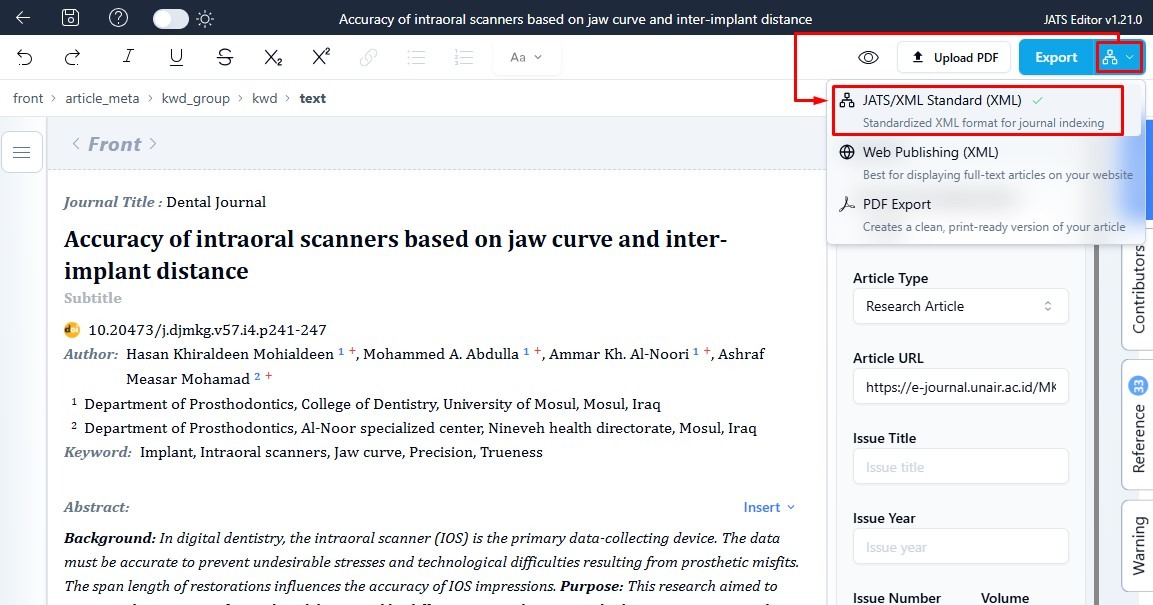
2. Click the icon dropdown to choose your export format.
From the dropdown menu, select JATS/XML Standard (XML).
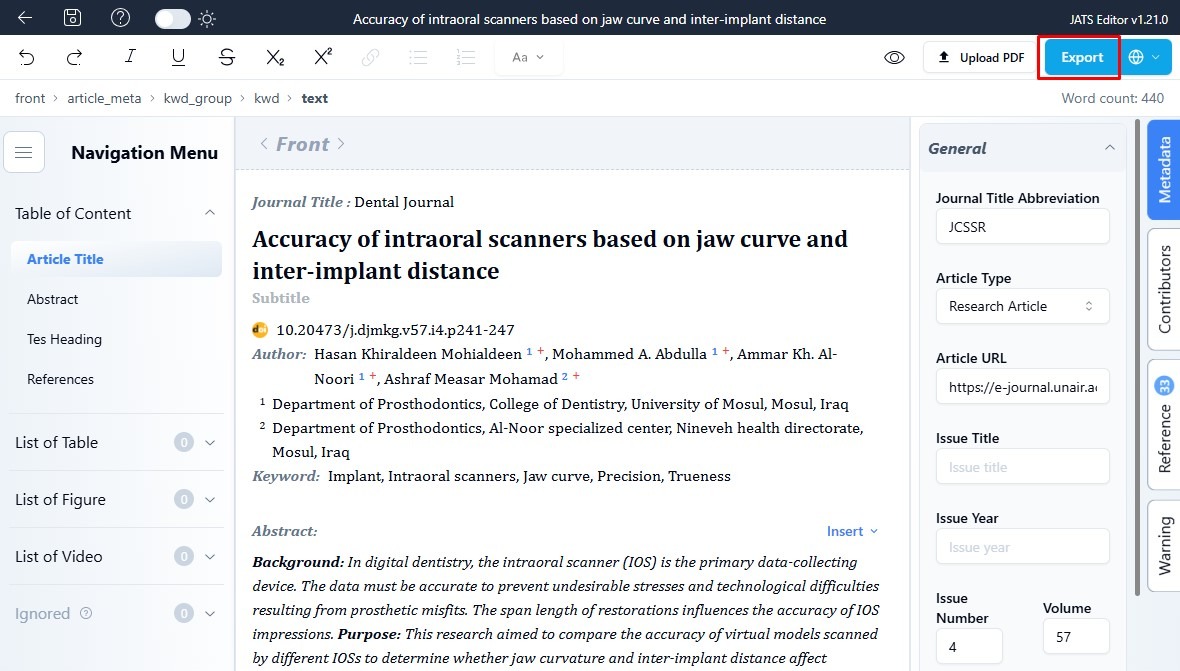
3. click the Export button to start generating your XML file.
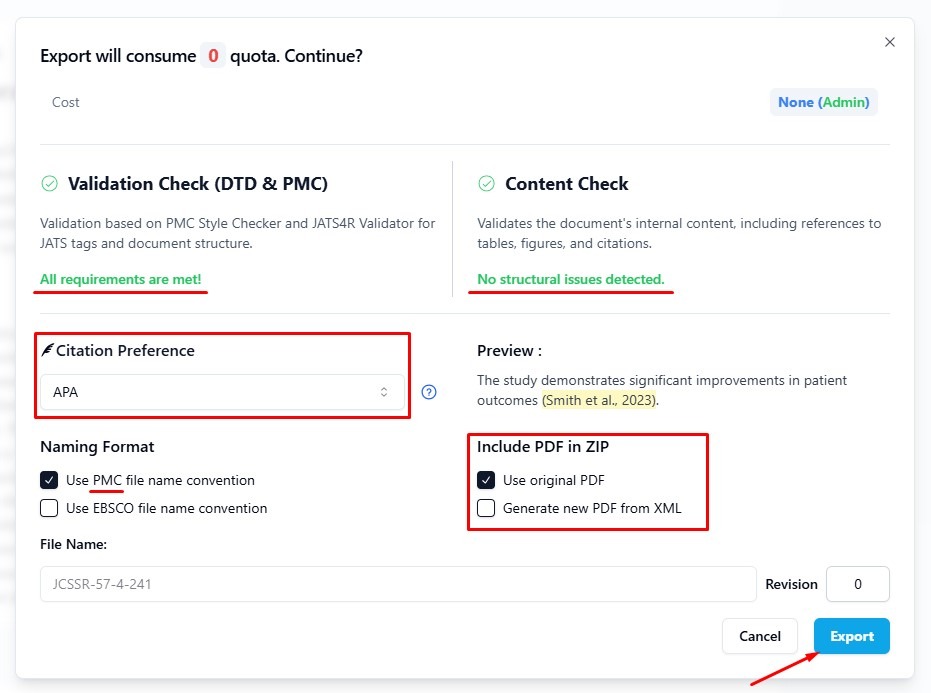
4. Before exporting, make sure that Validation Check and Content Check show no issues.
These checks ensure your XML file meets the JATS standard and that all article content is correctly structured.
Don’t forget to select the Reference Style that matches the format used in your article before exporting.
For the Naming Format, make sure to check “Use PMC file name convention” if your goal is PubMed indexing.
However, if your target is EBSCO indexing, select the “Use EBSCO file name convention” instead.
Then, check “use original PDF“.
If everything look good, click Export
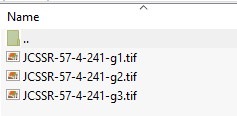
For the result .zip export:

Export JATS XML for Galley in Open Journal System (OJS) #
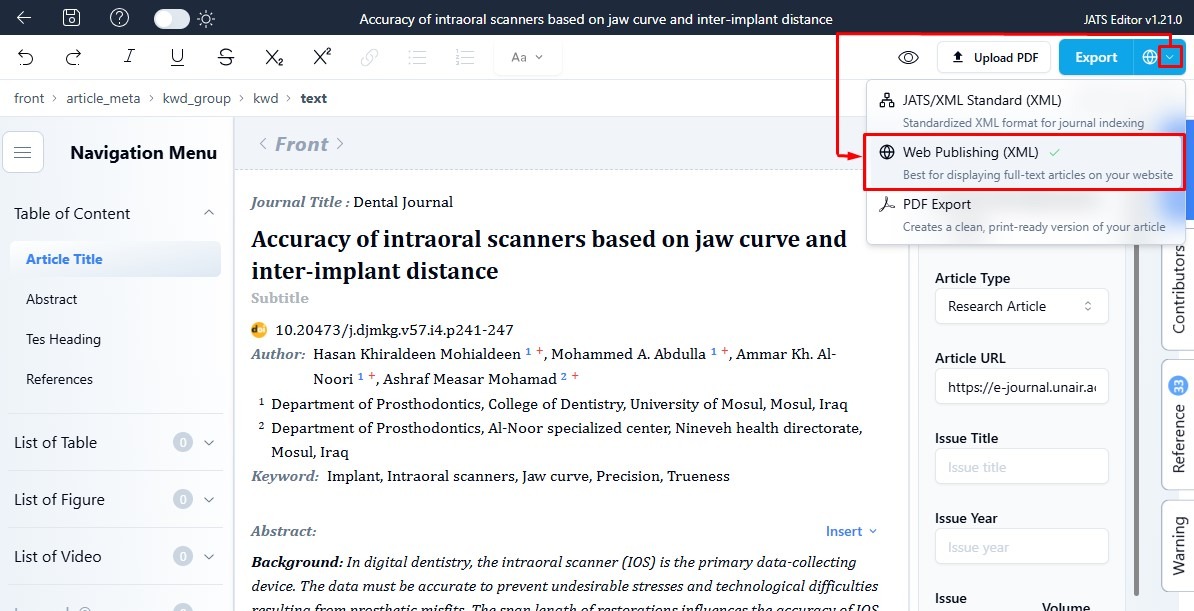
1. Click the icon dropdown to choose your export format.
From the dropdown menu, select Web Publishing (XML).
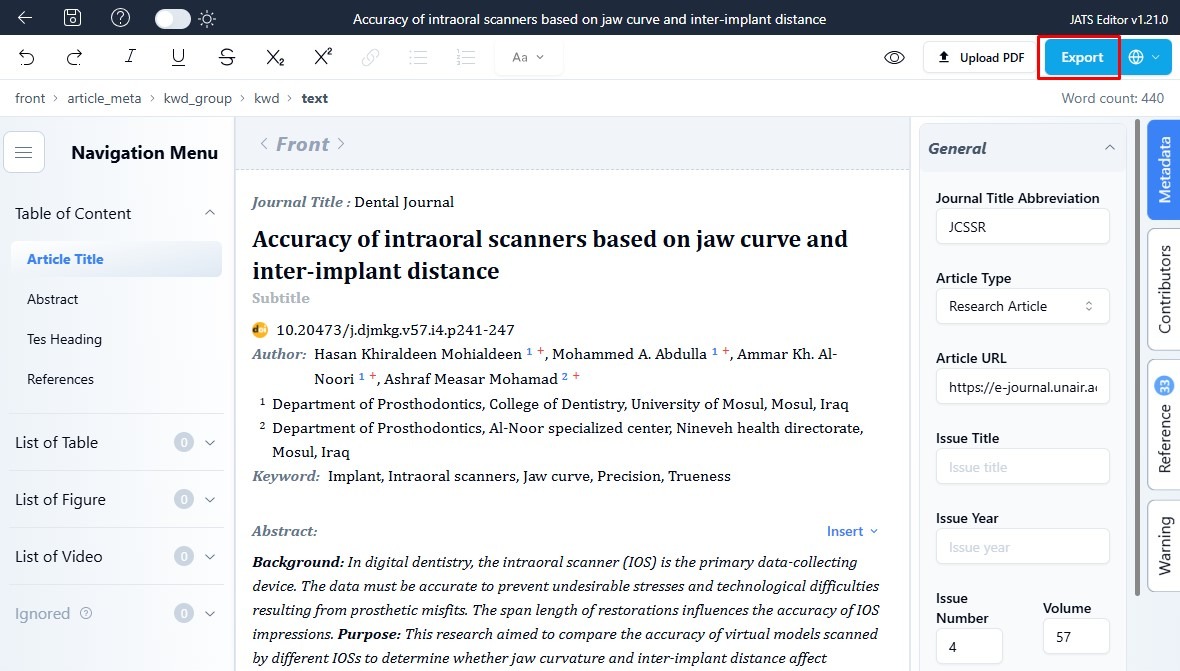
2. click the Export button to start generating your XML file.
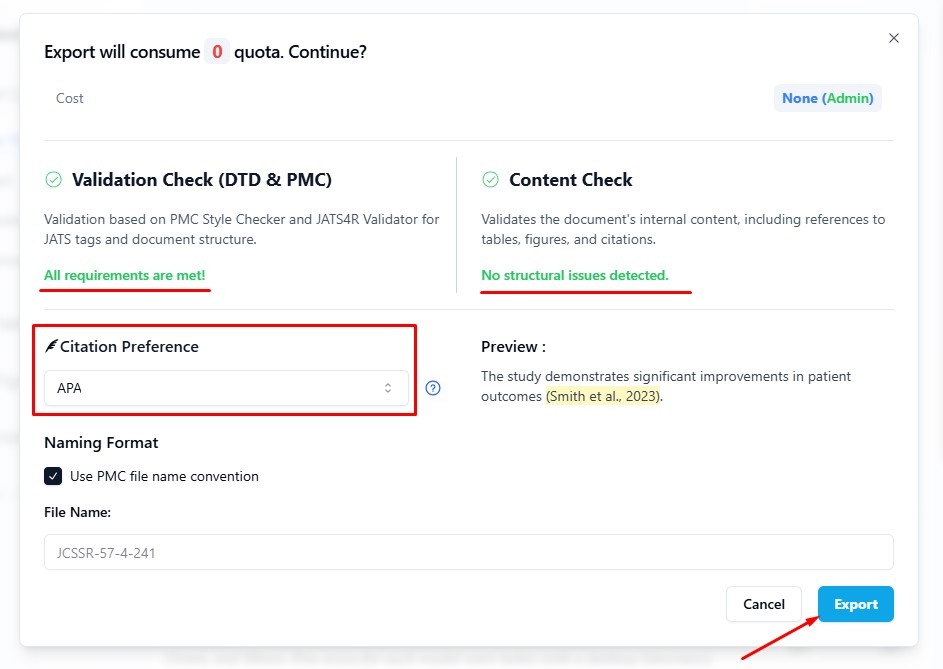
3. Before exporting, make sure that Validation Check and Content Check show no issues.
These checks ensure your XML file meets the JATS standard and that all article content is correctly structured.
Don’t forget to select the Reference Style that matches the format used in your article before exporting.
If everything look good, click Export
For a tutorial on uploading to OJS, please visit the following tutorial link: How to Publish JATS XML for Open Journal Systems?
Note:
– If you’re an OJS user, choose Web Publishing for uploading to your galley.
– If you’re submitting your JATS file to PubMed, select . This will automatically convert your figures to TIFF format, since PubMed requires that.
– If you’re indexing with EBSCO, choose EBSCO Standard. Your math equations will be converted to images because EBSCO doesn’t support LaTeX yet.
– If you don’t have a PDF of your article, you can choose the PDF Format option. This is will convert your XML to PDF format for your Article.


