
If you are not the user of OJS, you can access the editor by following this steps :
1. Create Account in this page #
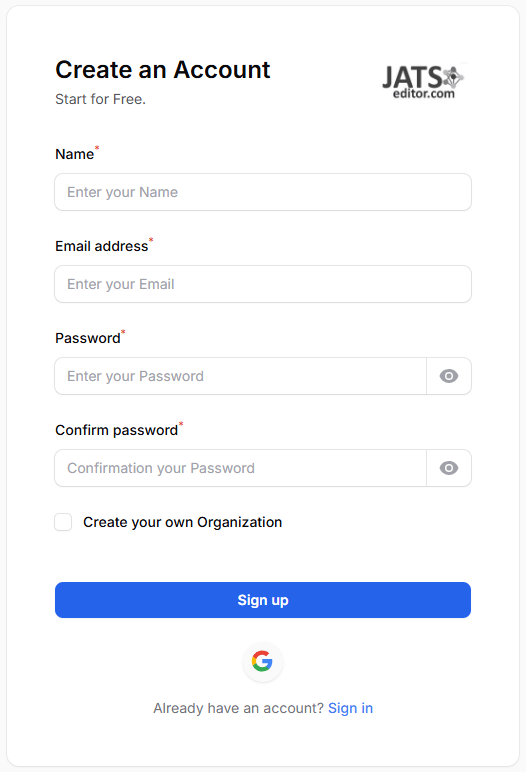
After you have login using the account, you can access the editor and edit your XML.
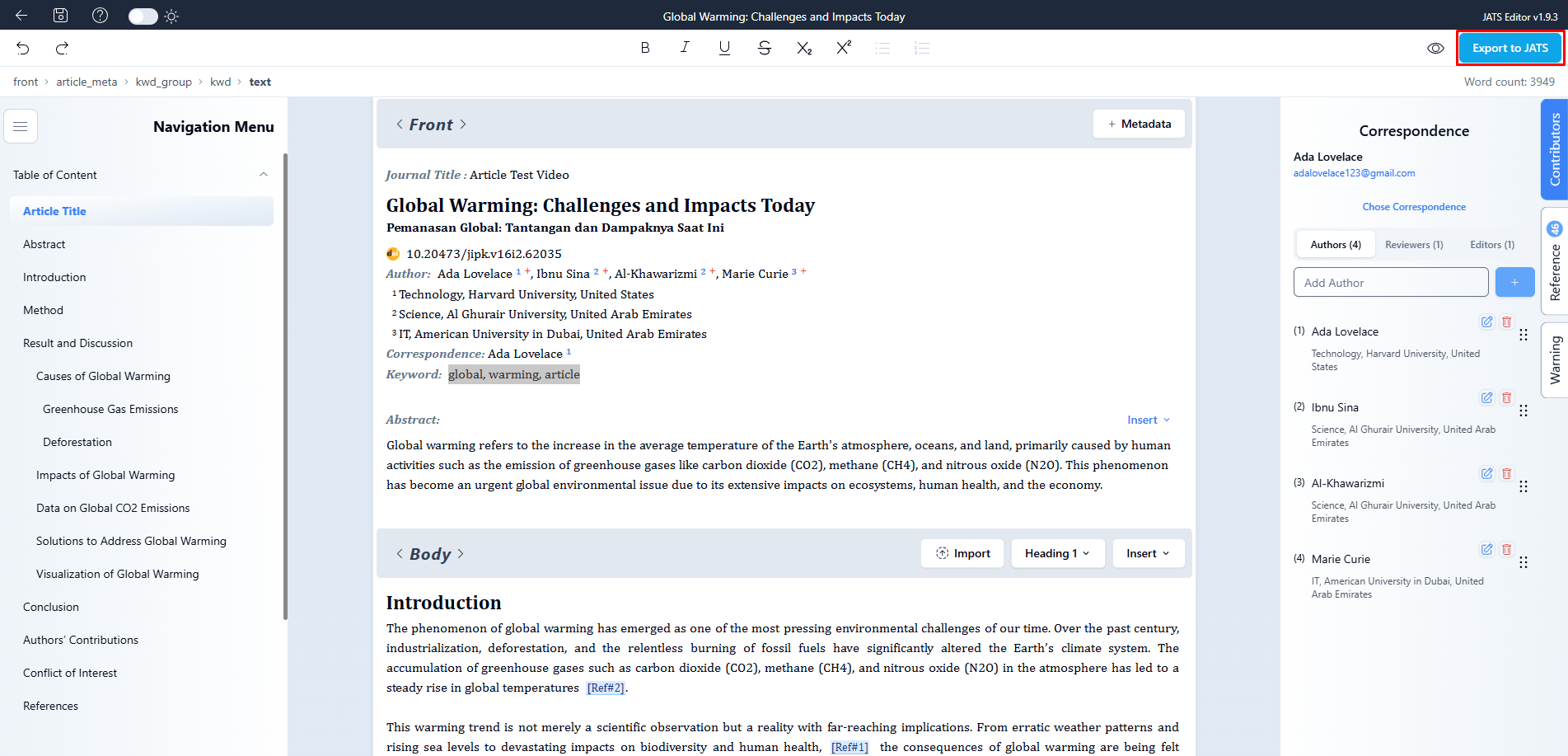
After you have made substantial change in the JATS file that you have created in the editor, you can Export the result by clicking the button on the top right of the editor.
That’s it, it is the instruction on how getting started on using jatseditor.com
Open the editor from your browser. If your journal does not use Open Journal Systems (OJS), open the JATS Editor workspace and sign in with the account you created above. Before making changes to an existing manuscript, check its title and keep a copy of the source XML so you can refer to it later.
Check the exported file. Once you have finished editing, use Export in the upper-right corner of the editor. Open the exported file and check that it contains your latest edits before sharing it or using it in the next stage of your journal’s workflow.


